
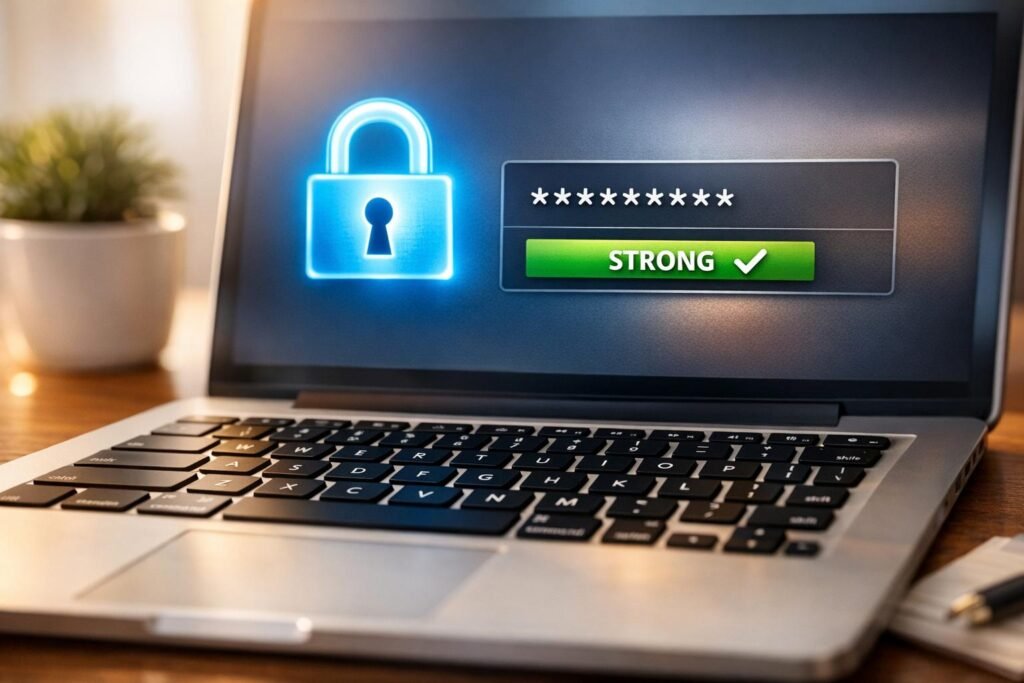
Boost Your Online Security with a Password Strength Checker
In today’s digital world, keeping your accounts safe starts with a solid password. Many of us underestimate how easy it can be for hackers to guess or crack weak combinations. That’s where a reliable tool to test password security comes in handy. It’s a quick way to see if your login credentials are up to par.
Why Password Security Matters
Cyber threats are everywhere—data breaches, phishing scams, you name it. A flimsy password is like leaving your front door unlocked. Studies show that over 80% of hacking incidents involve stolen or weak credentials. Testing your password’s resilience isn’t just a techy gimmick; it’s a must-do step for anyone who values their privacy. Tools designed to evaluate password safety can pinpoint weaknesses, whether it’s a lack of length or missing special characters.
How to Stay Protected
Beyond using a checker, make it a habit to update passwords regularly. Use unique ones for each account, and consider a reputable password manager if remembering them gets tricky. Mix in random words with numbers and symbols for an extra layer of defense. With just a few tweaks, you can turn a vulnerable code into a fortress. Take a moment to assess yours today—it’s a small step for big peace of mind.
FAQs
How is my password strength calculated?
We evaluate your password based on several criteria: length (at least 8 characters), mix of uppercase and lowercase letters, inclusion of numbers, and special characters. Each factor adds to a score out of 100. For example, a short password with just letters might score below 40 (Weak), while a long one with a good mix could hit above 70 (Strong). The tool updates as you type, so you can experiment and see what works best.
Is my password stored or shared when I use this tool?
Absolutely not. Your privacy is our priority. We don’t store, log, or transmit anything you type into the Password Strength Checker. Everything happens locally in your browser, so you can test with complete peace of mind. We’re just here to help you stay secure!
What makes a password truly strong?
A strong password is like a good lock—it’s tough to crack. Aim for at least 12 characters, mixing in uppercase, lowercase, numbers, and symbols like ! or #. Avoid predictable stuff like ‘password123’ or personal info (like your birthday). Random phrases with substitutions work great—think ‘C0ffee!Mug$2023’. Our tool will guide you with feedback if something’s missing.